When designing the color sceme for my personal site, I had a hard time navigating the menu, so I made this quick little thing that I hope isn't common knowledge.
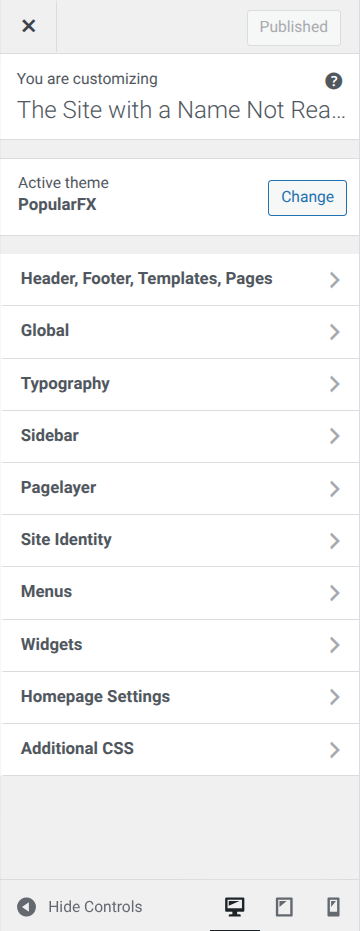
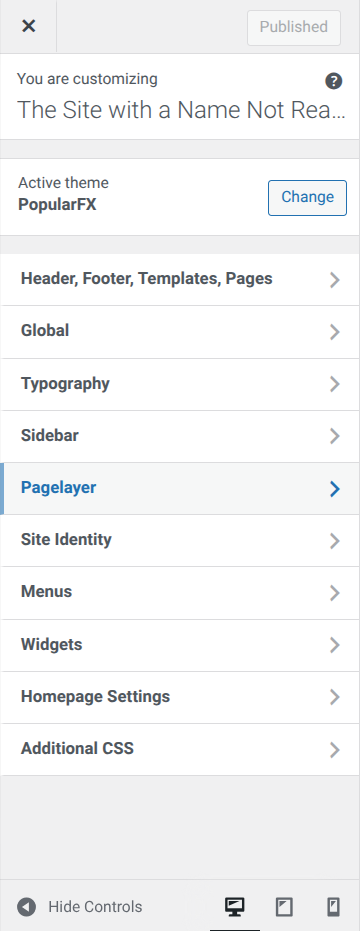
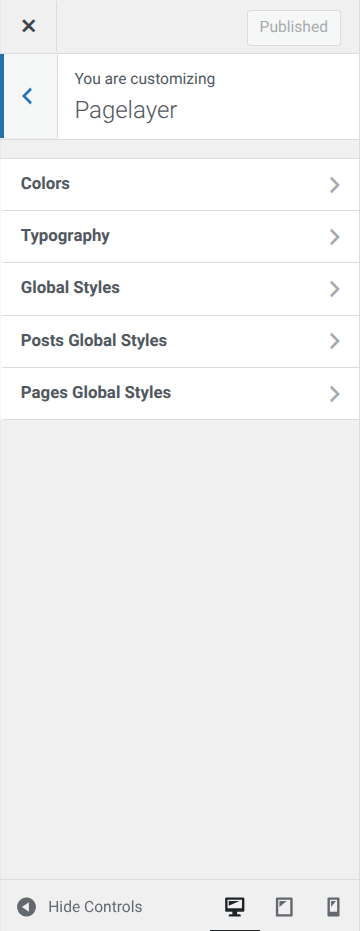
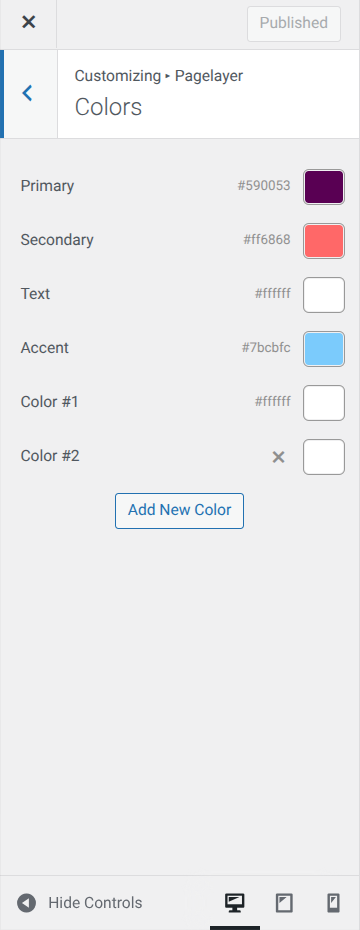
To get to the main overall color adjuster, click Customize from the admin menu. From there, go to Pagelayer, then to Colors, where you'll have your main options for text before you.
The colors have different catagories, so here's what I remember them correlating to. Primary seemed to be majorly for the background, while secondary was for some special headers. Text was for exactly what it sounds like, and accent was for most of the other headers. I know not what Color #1+ are for, but hopefully this is enough information to help out. Good luck.
Click to zoom the below visual aids. All images by me.