Hopefully this knowledge isn’t super common, but I don’t remember seeing it in a module, so here’s a tip regarding SEO.

Toward the bottom left of the blog creator, there should be a weird blue button with a magenta and cyan S-ish shape on it. Clicking it will open “SiteSeo”, a terminal that analyzes your paragraphs for keywords and other factors that will help you get noticed on search engines. While it’s certainly picky, It looks like it could be a useful feature after taking the time to study its setup.
Don’t fear the high amount of “errors” seen immediately after opening it. Entering your target keywords into the available line helps it in its analysis.
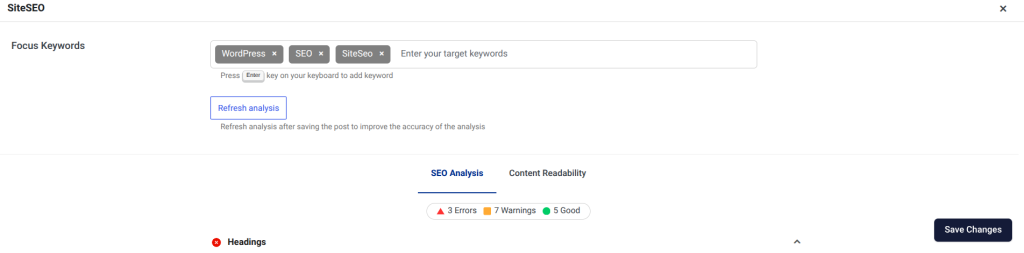
While not necessary, you could take the time to work towards clearing every error, (although, as forementioned, it is very picky,) and effectively greatly boost your page in search engines. Its easy enough to see for yourself the criteria it has. Try out your SiteSeo today! (Winks and skips away chessily)